AI-powered spreadsheet analysis and Excel work
Analyze complex financial models, extract structured data from documents at scale, and build Excel workbooks natively in one connected workspace.

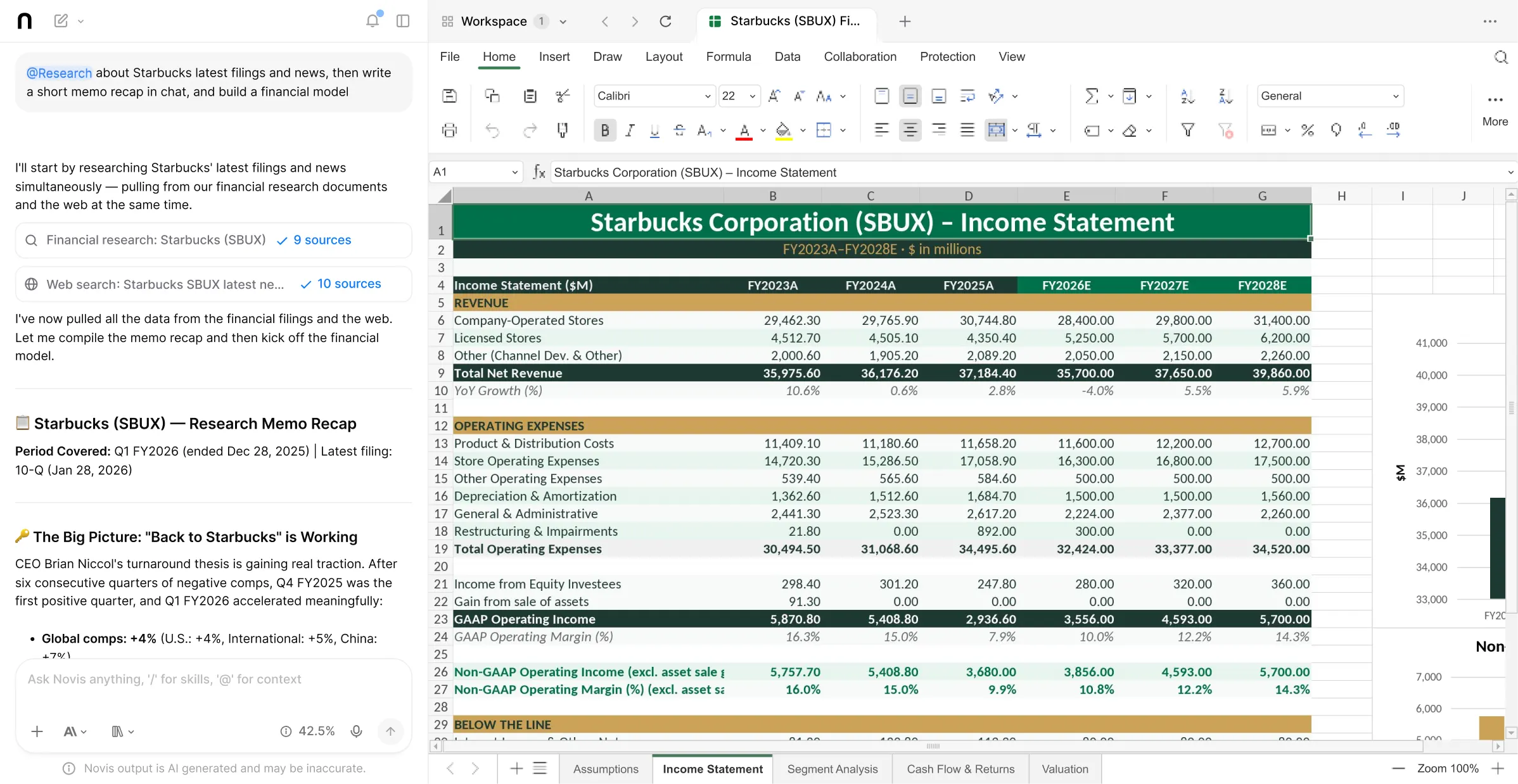
How it works
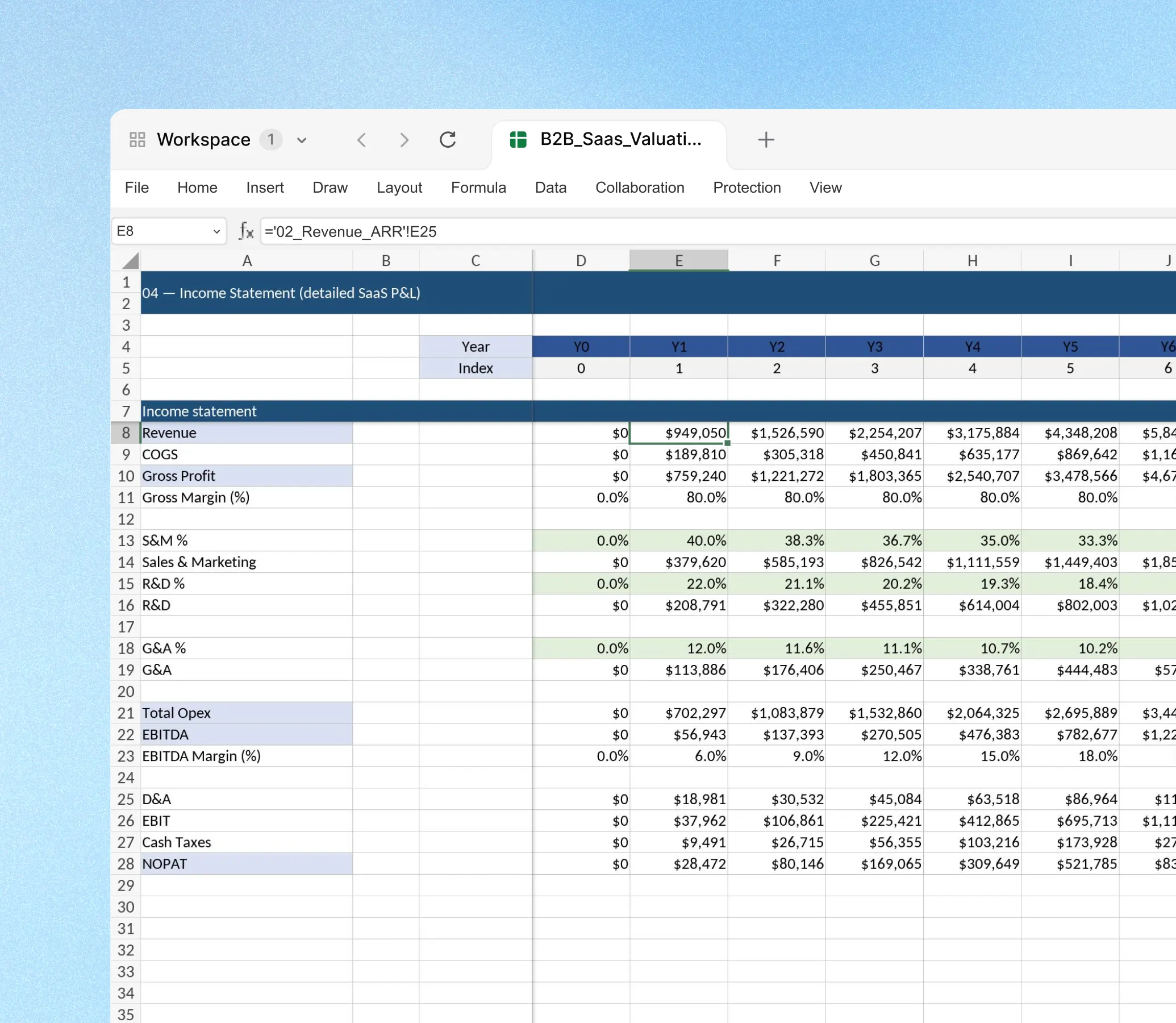
Upload and analyze
Upload Excel files alongside PDFs and reports. Novis reads across every tab, formula, and document and answers questions about the data with citations.
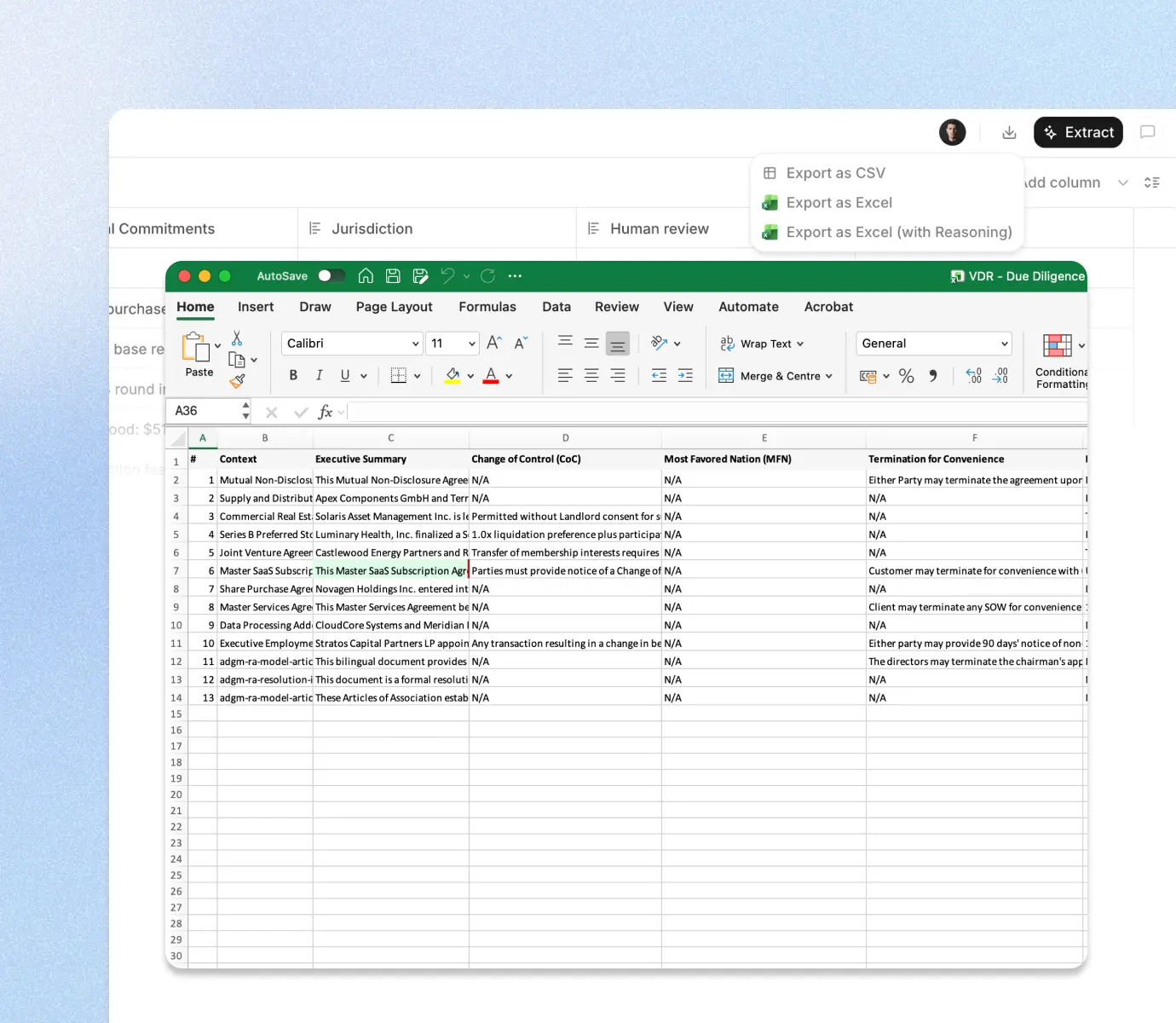
Extract structured data
Use Tables to extract financial metrics, contract terms, or operational data from large document sets into a clean, cited spreadsheet output.
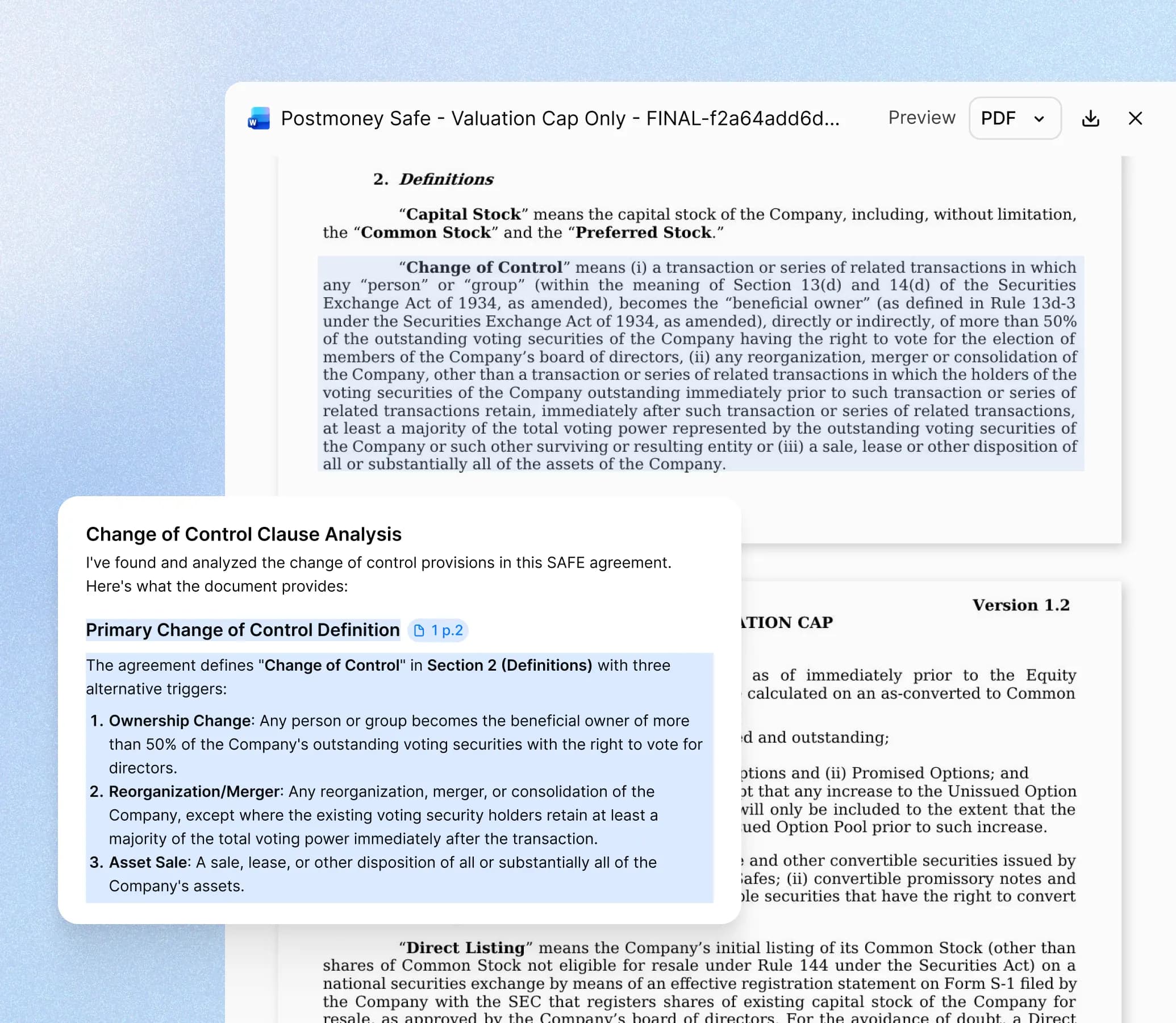
Build and edit natively
Create financial schedules, analysis templates, and structured workbooks directly in Novis Workspace with AI assistance for formulas and layout.
What Novis brings to spreadsheet review
| Spreadsheet analysis | Reads Excel workbooks across all tabs and asks questions about model logic, formula structure, and data relationships with cited answers. |
|---|---|
| Novis Tables | Extracts financial metrics, contract terms, and operational data from large document sets into a structured, cited spreadsheet exportable to Excel. |
| Native Excel editing | Creates and edits .xlsx files directly in Novis Workspace, with AI that helps structure formulas, format tables, and build model frameworks. |
| Multi-document context | Analyzes Excel files alongside PDFs and reports in a single conversation, so you can cross-reference spreadsheet data against source documents. |
| Assumption audit | Surfaces undocumented assumptions, inconsistent inputs, and potential errors in financial models with references to the specific cell or tab. |
| Data consolidation | Compiles financial and operational data from multiple source documents into a unified, well-structured spreadsheet in one connected workflow. |
Analyzing models you did not build
Reviewing a financial model built by someone else means understanding its structure, verifying its assumptions, and identifying where it might be wrong. Novis reads across every tab and can answer questions about the model logic, highlight cells where assumptions are inconsistent or undocumented, and summarize how the outputs are derived from the inputs.
Extracting structured data from unstructured sources
Most financial and operational data that belongs in a spreadsheet starts in a PDF, a contract, or a report. Tables extracts specific data points from large document sets in one pass, producing a clean, cited output that maps directly to the structure you need for modeling or reporting. Each extracted value links to the source document and page.
Building models alongside your research
When the research, the documents, and the Excel file are in the same workspace, the model-building process changes. You can go from reading a financial statement to asking the AI to build a summary schedule from it, without copy-pasting data between applications. Supporting Word memos and PowerPoint presentations can be built in the same session.
Who uses Novis for spreadsheet review
FP&A and finance teams
Analyze complex workbooks, extract data from reports, and build structured planning outputs with AI assistance across the full financial workflow.
Investment analysts
Review financial models from data rooms, extract deal-relevant metrics at scale with Tables, and build Excel schedules alongside investment memos.
Operations and analytics teams
Extract operational metrics from documents, consolidate data from multiple sources, and produce structured reporting workbooks faster.
Common questions
Questions about using Novis for spreadsheet review.
Start with Novis.Pay only for what you use.
- Works with GPT, Claude, Gemini, Grok, and more
- Novis Tables for bulk document extraction
- Native Word, PowerPoint, and Excel editing
- Meeting transcription included
- EU and US data residency available
- From $25/mo individual · Team from $100/mo · Unlimited seats